fbclid: What the Facebook Click ID Is and How B2B Teams Tie It to a Lead
The fbclid on your landing page URL is Meta's record of the Facebook or Instagram ad click that brought the visit. Here is what it is, how it turns into fbc, and how to keep it attached to the lead.
Updated
What fbclid means
fbclid is the Facebook click identifier, which Meta's documentation calls ClickID. Meta generates it and passes it in the URL of your website when someone clicks one of your ads on Facebook or Instagram. Meta says the auto-attached ClickID does not affect any other tracking parameters you set, so your UTM parameters arrive alongside it.
For a B2B advertiser it does the same job the GCLID does for Google Ads: it is the key Meta understands. When a Meta ad click becomes a demo request and, weeks later, an opportunity in your CRM, the click ID stored on that record is what lets Meta match the outcome back to the ad.
What an fbclid URL looks like
Meta's own example of a landing page URL with the click ID attached:
https://example.com/?fbclid=IwAR2F4-dbP0l7Mn1IawQQGCINEz7PYXQvwjNwB_qa2ofrHyiLjcbCRxTDMgkThe value is an opaque string. It carries no readable campaign, ad set or ad name, so do not try to parse it. Meta warns that the value is case-sensitive: store it exactly as it arrived, with no lowercasing, uppercasing or trimming.
Meta's documentation describes the click ID for ad clicks. Do not lean on fbclid alone to tell paid from organic Facebook and Instagram traffic in your own reports: the UTM parameters you set on each ad are the reliable way to label the source, campaign and ad.
fbclid, _fbc and _fbp
The fbclid URL parameter only exists on the first page view. Meta keeps it in a first-party cookie, and its Conversions API expects it in a specific format. Three names are easy to mix up:
| Name | Where it lives | What it holds |
|---|---|---|
| fbclid | The landing page URL, as a query parameter | The raw click ID Meta attached to the ad click |
| _fbc / fbc | A first-party cookie on your domain; fbc is the Conversions API parameter | The click ID formatted as fb.<subdomainIndex>.<creationTime>.<fbclid> |
| _fbp / fbp | A first-party cookie the Meta Pixel sets on your domain | A browser ID the Pixel generates, not tied to any click |
When the Meta Pixel is installed, it writes the _fbc cookie for you once a click ID is present. Without the Pixel, you can build the value yourself from the URL. In Meta's format:
fbis a fixed prefix.- The subdomain index is which domain the cookie is set on: 0 for
com, 1 forexample.com, 2 forwww.example.com. If you build the value on a server and don't save an_fbccookie, Meta says to use 1. - The creation time is a Unix timestamp in milliseconds for when the cookie was saved, or for when you first saw this fbclid if you don't save a cookie.
- The last part is the fbclid value exactly as it appeared in the URL.
fb.1.1554763741205.IwAR2F4-dbP0l7Mn1IawQQGCINEz7PYXQvwjNwB_qa2ofrHyiLjcbCRxTDMgkMeta recommends setting _fbc as an HTTP cookie in the server's response with a 90-day expiry, and only rewriting it when there is no cookie yet or when a new fbclid in the URL differs from the one stored after the cookie's last dot.
What fbclid does not tell you
fbclid identifies a click, not a person. It carries no name, email or company, and Meta does not hand those back for it. Until the visitor fills in a form, the click ID on your landing page is an anonymous key.
Most paid visitors leave without converting, so their click IDs never reach a CRM record. That is where Meta spend on the wrong audience hides; Meta Ads Wasted Spend on Non-Ideal B2B Audiences covers the cost, and How Paid Channel Signals Shape the Matching Logic Behind Visitor Identification covers how identification tools use click IDs before anyone fills in a form.
Capturing fbclid on a B2B lead form
B2B buyers rarely convert on the page they land on. A setup that only reads the URL when the form is submitted loses the click ID on almost every lead that browses first or comes back later. The pattern that holds up:
- On every page load, read
fbclid(and your UTM parameters) from the URL when present. Meta suggests reading it server-side from the request URL where you can. - Build the
fbcvalue with the time you first saw that fbclid, and keep it in a first-party cookie or in your backend, following Meta's rule of only replacing it when a different fbclid arrives. - Add a hidden field to every lead form and fill it from that stored value when the form loads. Pass the
_fbpvalue too if the Pixel is on the site. - Map the hidden fields to dedicated fields on the lead or contact in your CRM. Meta wants the most recent click ID for its own matching; if you also want first-touch reporting, keep a separate first-click field that never gets overwritten.
- Keep the click ID on the same record as the ad source and the form fill, not appended later. Why Ad Source and Form Fill Must Live Inside the Same Visitor Record explains why.
Follow your consent setup here too: where a visitor declines advertising storage, your capture script should make the same choice as your Meta Pixel.
Sending the click ID back to Meta
Capturing the click ID pays off when you report conversions to Meta with it, so delivery can optimise toward the leads that turn into pipeline. Points from Meta's Conversions API documentation to plan around:
- Meta recommends sending
fbcwith every Conversions API event. Send it, andfbp, as they are: unlike email and phone, which must be normalised and SHA-256 hashed, Meta says not to hash them. - For website events,
client_user_agentis required. Meta notes that sending bothclient_ip_addressandclient_user_agentmay help event matching. - A server event's
event_timecan be at most 7 days before you send it. If any event in a request is older, Meta rejects the whole request. A website event cannot carry an opportunity that opens three weeks after the click. - For later funnel stages, Meta offers a separate Conversions API for CRM integration that uploads events from your CRM. Meta says its Conversion Leads performance goal currently works only with Facebook and Instagram Lead Ads (Instant Forms), and recommends storing the Meta Lead ID; without one, send the click ID, phone or email.
- Meta's fit guidelines for that CRM integration include at least 200 leads a month, uploads at least once a day, and a target lead stage reached within 28 days with a conversion rate between 1% and 40%. Check Meta's page for the current list before you commit to it.
When there is no fbclid
Expect some Meta ad visits to arrive without a click ID. The usual causes:
- Apple's Link Tracking Protection, announced in June 2023, removes tracking information from links shared in Messages and Mail and from links opened in Safari Private Browsing.
- A redirect, link shortener or form tool between the ad and the landing page drops the query string. Click your own ad once and check the parameter survives to the final page.
- The Meta Pixel didn't load or the visitor declined advertising cookies, so no
_fbccookie was written. A server-side read of the URL still sees the fbclid on the first request; whether you may store it depends on the visitor's consent. - The visitor came back later from a bookmark, a search or a typed URL, with no click ID in the URL. Only a value you stored on the first visit survives this.
Without a click ID, Meta matches on the customer information you send instead, such as hashed email and phone. Treat fbclid as one signal among several, not the only one.
Testing your fbclid capture
- Open a landing page with a dummy value such as
?fbclid=test-123, browse to a second page, submit a form, and check the value arrives in the hidden field and on the CRM record in thefb.1.<timestamp>.test-123format you expect. Do not send test values to your live pixel. - Use the Test Events tool in Meta Events Manager to check Conversions API events arrive with
fbcfilled in before you switch them on for real. - Click a live ad of your own once and confirm the real parameter survives every redirect to the final landing page.
Questions people ask
What does fbclid mean in a URL?
It is Meta's click ID. Meta adds it to your landing page URL when someone clicks your ad on Facebook or Instagram, so the visit can be tied back to that click.
What is the difference between fbclid and fbc?
fbclid is the raw value in the URL. fbc is the same value formatted as fb.<subdomainIndex>.<creationTime>.<fbclid>, which is what the _fbc cookie stores and what the Conversions API expects.
Does fbclid identify the person who clicked?
No. It identifies the click. You only connect it to a person when they give you their details, for example by filling in a form that also captured the click ID.
Is it safe to remove fbclid from my URLs?
Stripping it from the URL after you've read and stored it is fine. Stripping it before anything reads it, for example in a redirect, breaks Meta's click matching for that visit.
Sources
The ad platforms change these products often. Check the pages below for the current rules before you rely on them.
- ClickID and the fbp and fbc Parameters, Meta for Developers
- Customer Information Parameters, Meta for Developers
- Server Event Parameters, Meta for Developers
- Conversions API for CRM integration, Meta for Developers
- About cookie settings for your Meta Pixel, Meta Business Help Center
- Apple announces powerful new privacy and security features, Apple Newsroom
Read next
 B2B Attribution
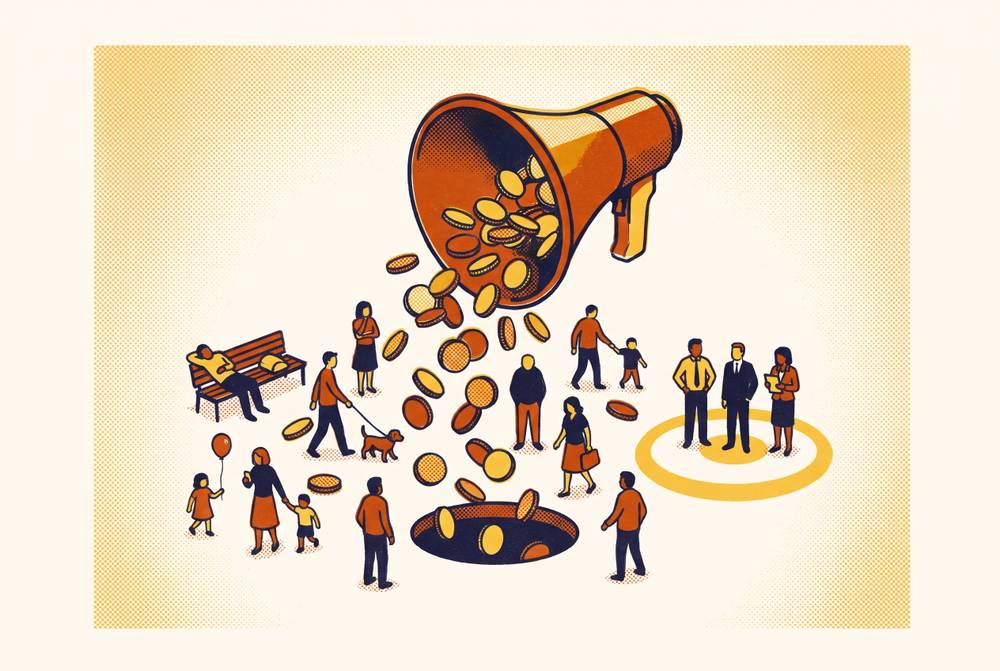
Meta Ads Wasted Spend on Non-Ideal B2B Audiences
Meta's algorithm chases cheap leads, so feed it better data.
Read more→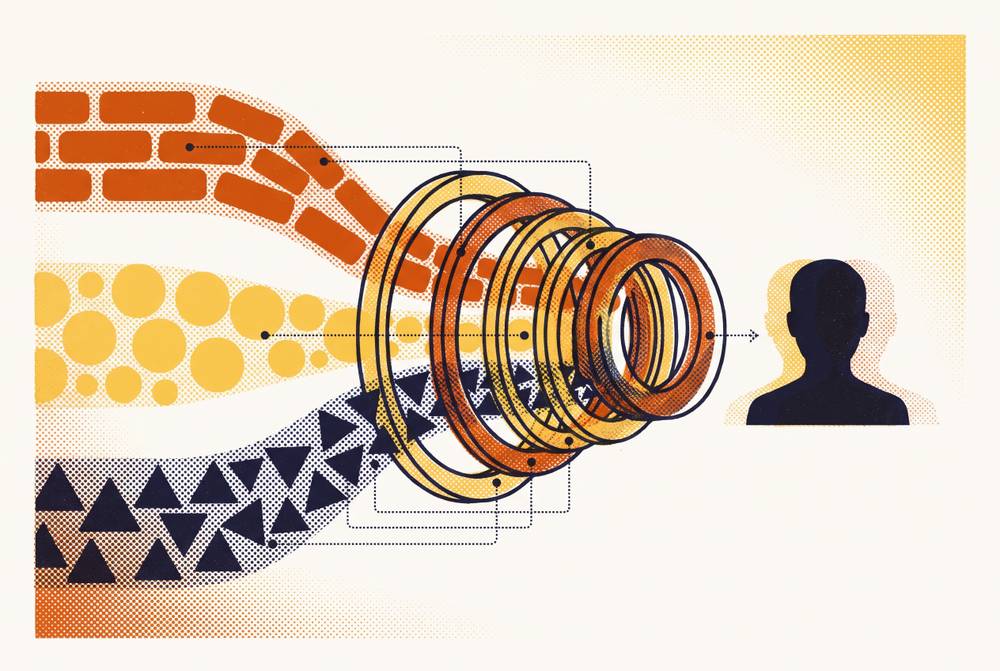 Visitor Identity
How Paid Channel Signals Shape the Matching Logic Behind Visitor Identification
Click IDs and UTMs shape what a visitor tool can match.
Read more→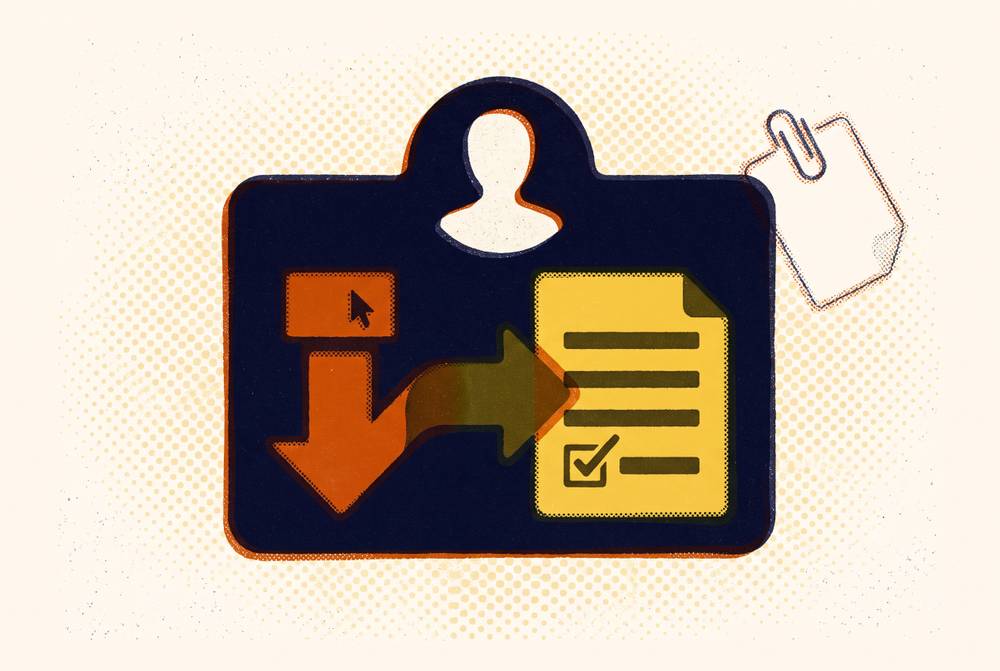 Visitor Identity
Why Ad Source and Form Fill Must Live Inside the Same Visitor Record Not Appended After the Match
Capture ad source at arrival, because no identity match can restore it.
Read more→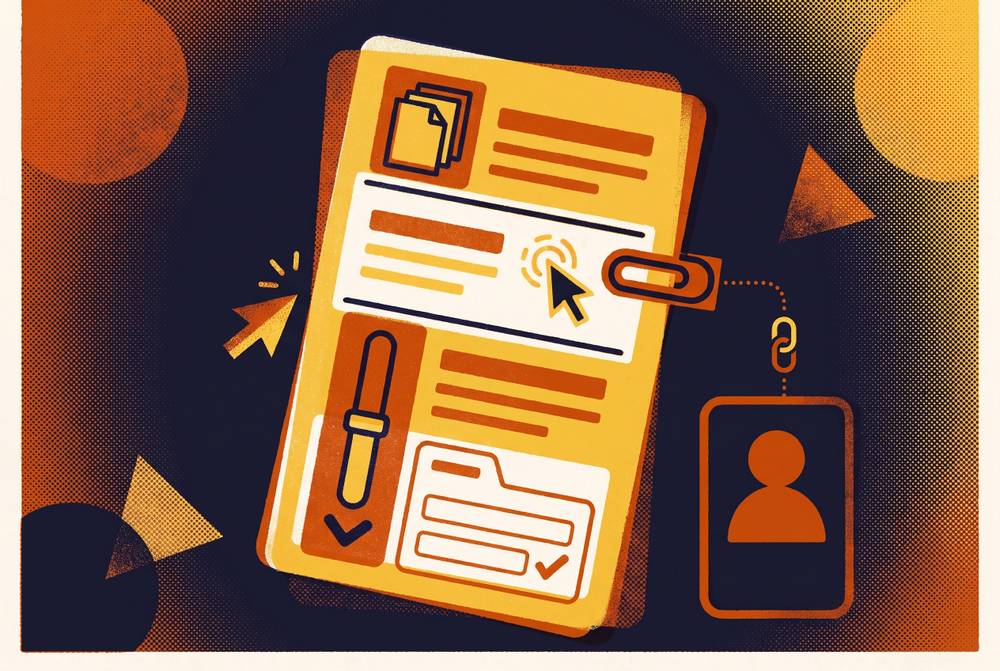 Visitor Identity
The Paid Traffic Visitor Record That Logs Pages, Clicks, Scroll and Form Fills Alongside the Contact Match
Behavior, source and ad data turn a bare match into a lead.
Read more→